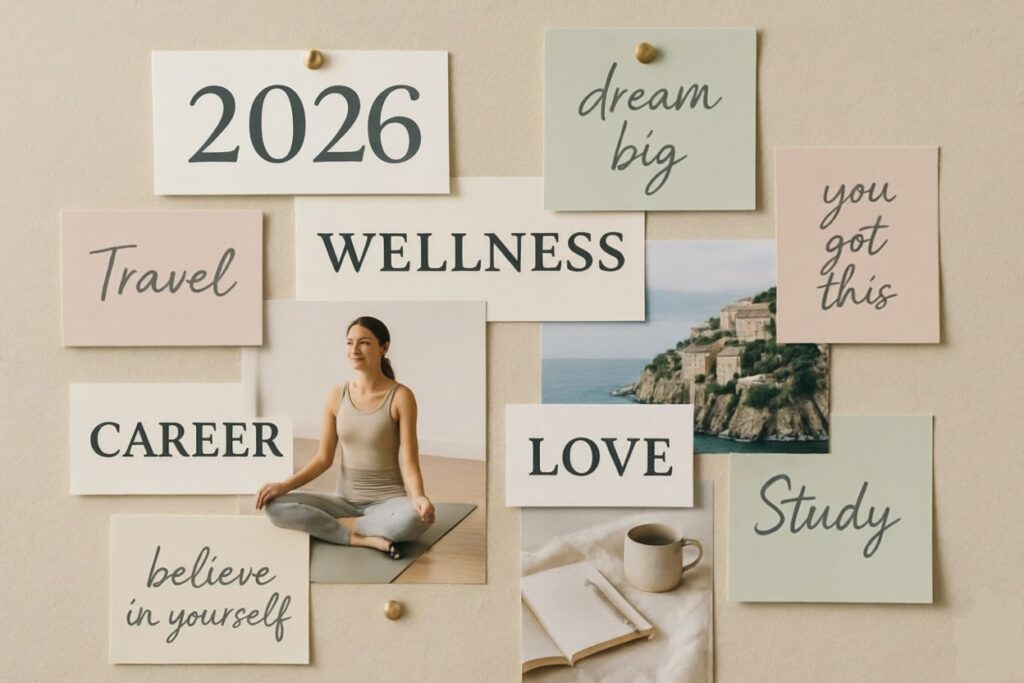
the perfect moment to craft your 2026 Vision Board using AI! Traditional vision boards (cut-out magazine clippings) are evolving into dynamic, personalized digital masterpieces powered by generative AI. These boards help clarify goals, boost motivation, and keep your subconscious aligned with what you want most.
In 2026, AI makes this process faster, more beautiful, and deeply customized — no design skills required.
Here’s a realistic, step-by-step guide using the best free/paid AI tools available right now.
Step 1: Clarify Your 2026 Vision (10–15 Minutes)
Start with reflection — AI can help brainstorm and refine.
- Use Claude, ChatGPT, Gemini, or Grok (me!).
- Prompt example: “Help me create a powerful 2026 vision. My top categories are: career/business growth, health & fitness, relationships/family, travel/adventures, financial freedom, personal development, sustainable living. For each, suggest 3–5 specific, exciting goals or feelings I might want to manifest. Make them vivid and emotional.”
Review the output, tweak, and pick your core 5–8 themes (e.g., “Thriving eco-conscious entrepreneur”, “Strong, energized body”, “Dream family trips to Japan & Iceland”).
Step 2: Generate Stunning Custom Images with AI (The Magic Part)
Use text-to-image AI to create visuals that perfectly match your vision — far better than stock photos.
Top tools in 2026:
- Midjourney (via Discord) — Best artistic quality
- Flux (via Grok or fal.ai) — Excellent realism & detail
- Leonardo.Ai or ImagineArt — User-friendly web interface
- DALL·E 3/4 (via ChatGPT Plus)
- Google Gemini (free tier improving fast)
Prompt formula for killer results: “[Style] highly detailed vision board element of [specific goal], cinematic lighting, motivational aesthetic, vibrant colors, 2026 futuristic touch, ultra-realistic, inspirational –ar 3:4 –v 6”
Examples:
- “Luxurious sustainable home office with large windows overlooking green forest, modern minimalist design, plants everywhere, person working joyfully on laptop, golden hour light, motivational 2026 vision”
- “Fit athletic woman in her 30s running on coastal path at sunrise, feeling empowered and free, ocean waves, vibrant energy, cinematic”
- “Family laughing together on luxury train through Japanese cherry blossoms, warm joyful moment, high detail”
Generate 10–20 images — pick the top 8–12.
Here are inspiring AI-generated vision board examples full of 2026 energy, luxury, growth, and adventure vibes:
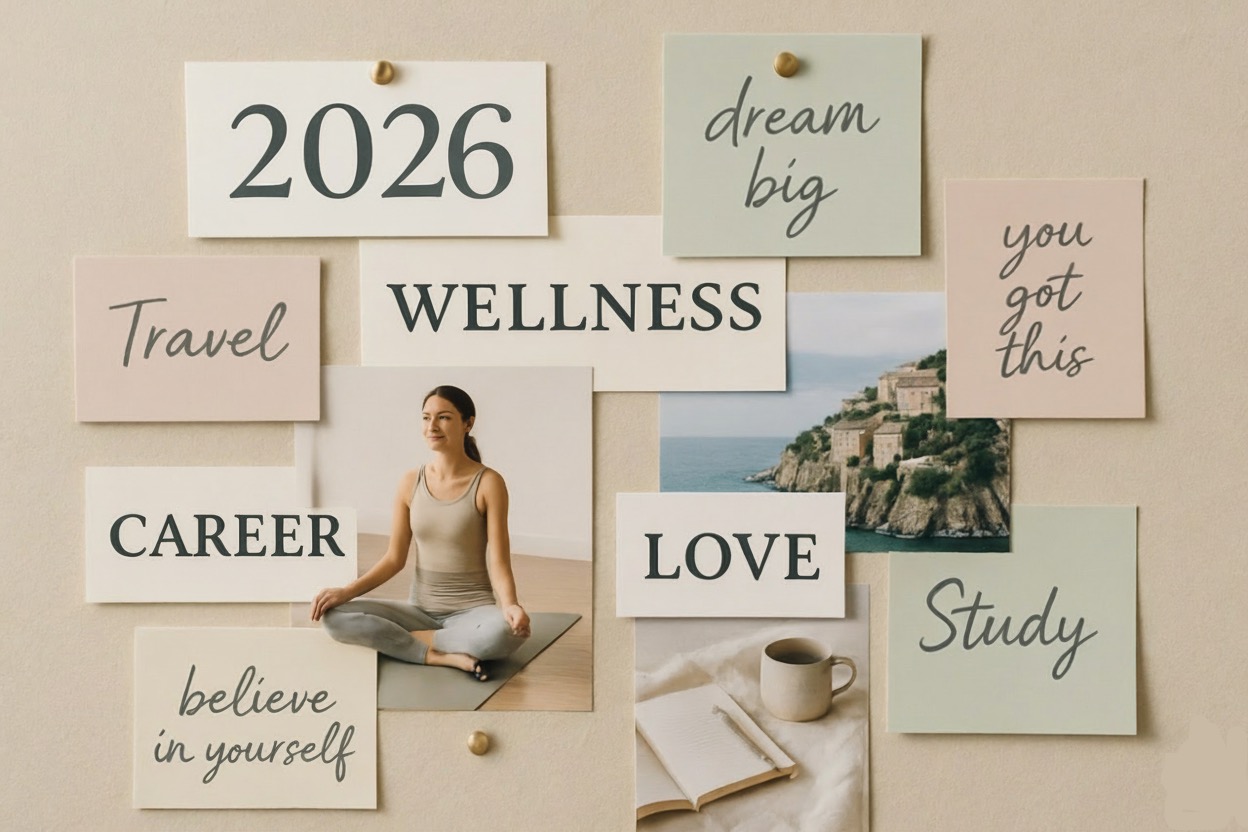
These showcase the kind of polished, motivational collages you can create yourself.
Step 3: Assemble Your Digital Vision Board (Design Phase)
Turn your images into a cohesive board.
Best easy tools:
- Canva (free + Magic Studio AI) — Drag-and-drop, AI background remover, text effects, templates
- Milanote — Beautiful mood-board style
- Photopea (free Photoshop alternative)
- Figma (if you’re advanced)
Steps in Canva:
- Search “Vision Board” template → choose 2026-inspired layout
- Upload your AI images
- Add motivational text overlays (use AI to generate quotes/affirmations)
- Play with fonts, colors, gradients — make it feel like you
- Add subtle futuristic elements (neon accents, soft glows)
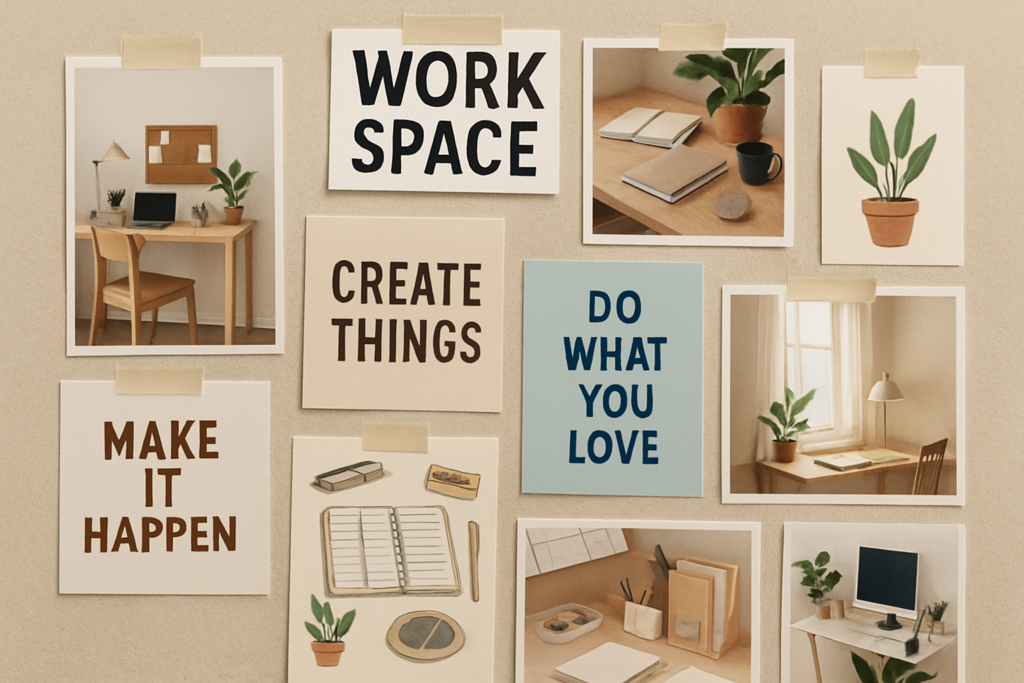
Here are beautiful, modern digital vision board layouts people are loving in 2026:
Step 4: Make It Live & Daily (Activation)
- Set as phone/computer wallpaper (rotate images weekly)
- Print a high-quality version (A3 or poster) for your wall
- Add to Notion or Pinterest secret board for daily check-ins
- Review weekly — ask AI: “How am I progressing toward these visions? What small action this week?”
Pro 2026 Tip: Use agentic AI (e.g., custom GPTs or Claude Projects) to create a “Vision Coach” that sends weekly reflections based on your board.
These workspace-style vision boards show how people integrate their creations into daily life for maximum inspiration:
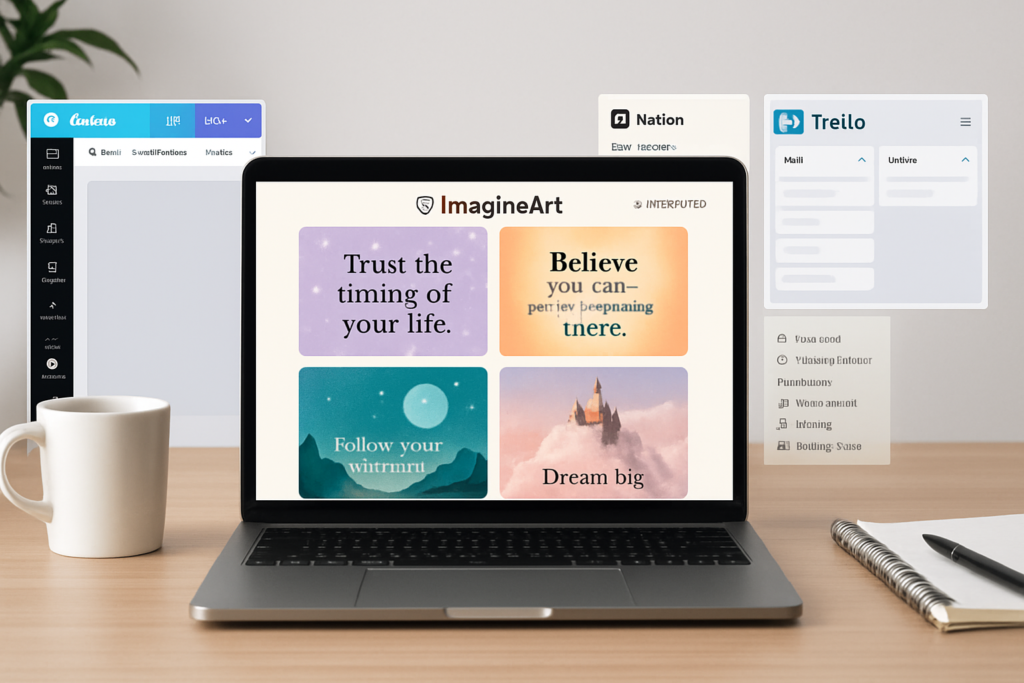
How to make a vision board – Guide 101 | ImagineArt
Ready to start? Share your top 2026 categories or goals (e.g., business, health, travel), and I’ll help craft perfect AI prompts or refine your vision right now! Let’s make 2026 visually epic. ✨